Custom Workflow Design
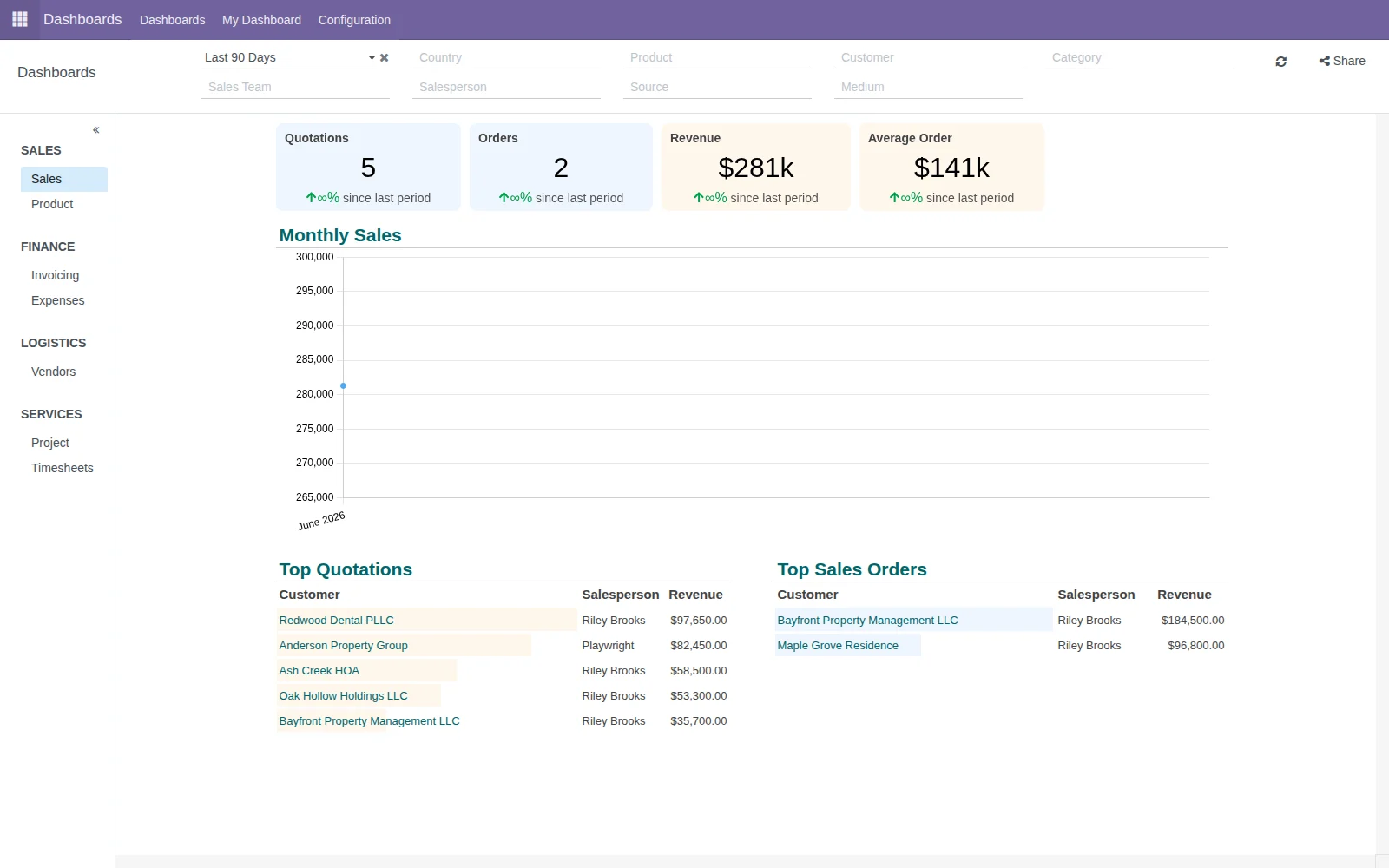
Screens, stages, forms, permissions, reports, dashboards and automations can be shaped around the real process instead of forcing the business into a rigid template.
Run the daily workflow in one managed platform instead of juggling disconnected tools.
Bring customer intake, follow-ups, estimates, job tracking, photos, documents, billing, accounting, and reporting into one organized workflow — instead of chasing details across texts, emails, folders, spreadsheets, and memory.
Customer calls, job notes, photos, estimates, expenses, invoices, and vendor details get spread across texts, inboxes, folders, spreadsheets, and memory.
Each job moves through a clear process from first call to estimate, approval, job or project, billing, and reporting, with the important details connected along the way.
Everything can live in one organized workspace instead of a pile of rented, disconnected tools.
What Can Be Replaced
✽ What Makes This Different
Software should fit the business — not force it into a box
Most business software gives you a fixed way to work. WindWeaver Solutions starts with the real workflow, then configures, customizes, integrates, and extends the managed platform around how the company operates, with the goal of replacing disconnected tools instead of adding another one.
Screens, stages, forms, permissions, reports, dashboards and automations can be shaped around the real process instead of forcing the business into a rigid template.
When the standard tools fall short, custom modules, integrations, automations, and specialized workflows can be built to fill the gap.
Clients own their business data while WindWeaver manages the hosted platform, backups, documentation, updates, support, and a practical recovery path.
Start with one workflow, then expand it around the business
Connected workflow gallery
Use the tabs to explore the core process, follow-ups, field and project work, and the dashboards that help owners see what needs attention.
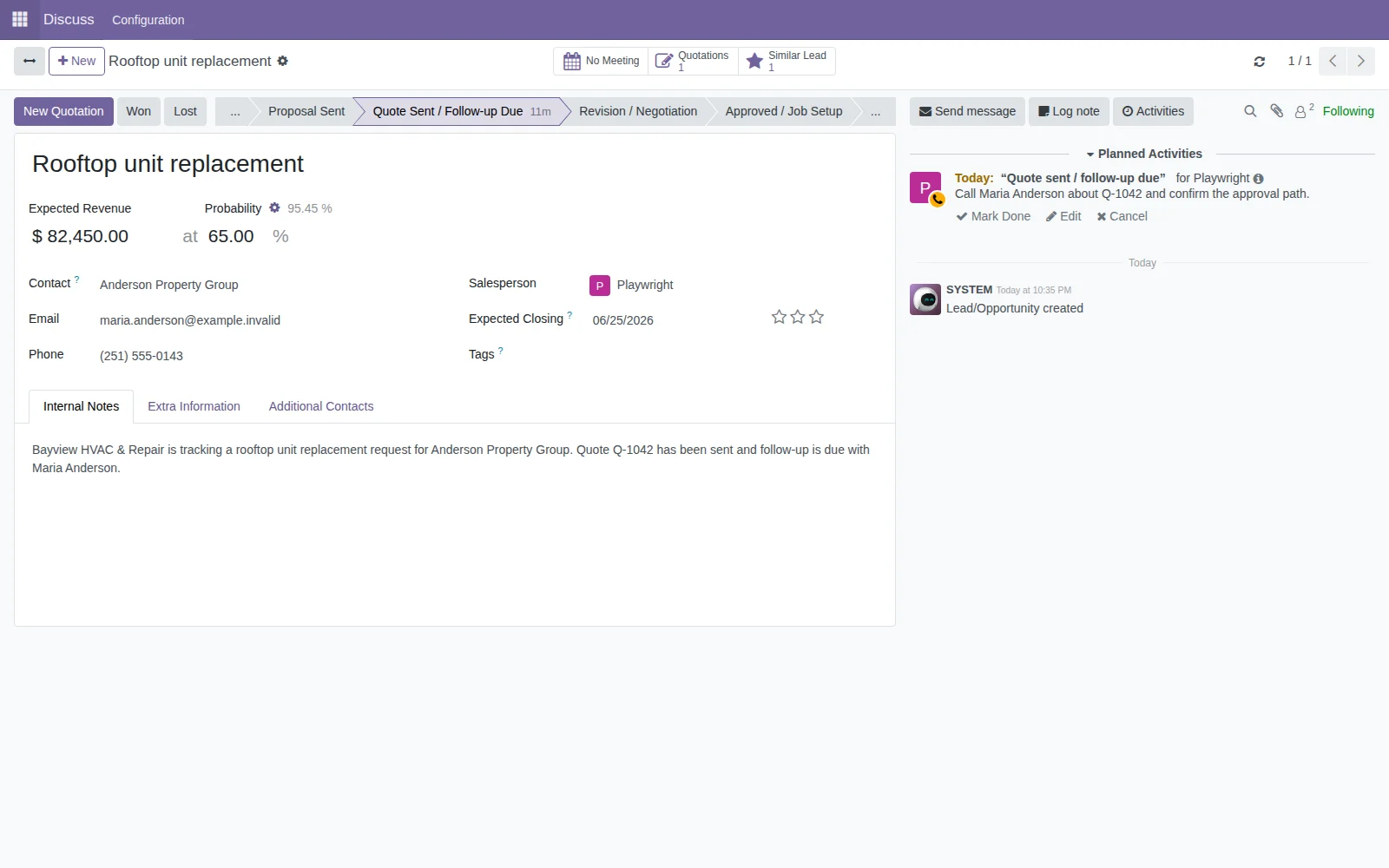
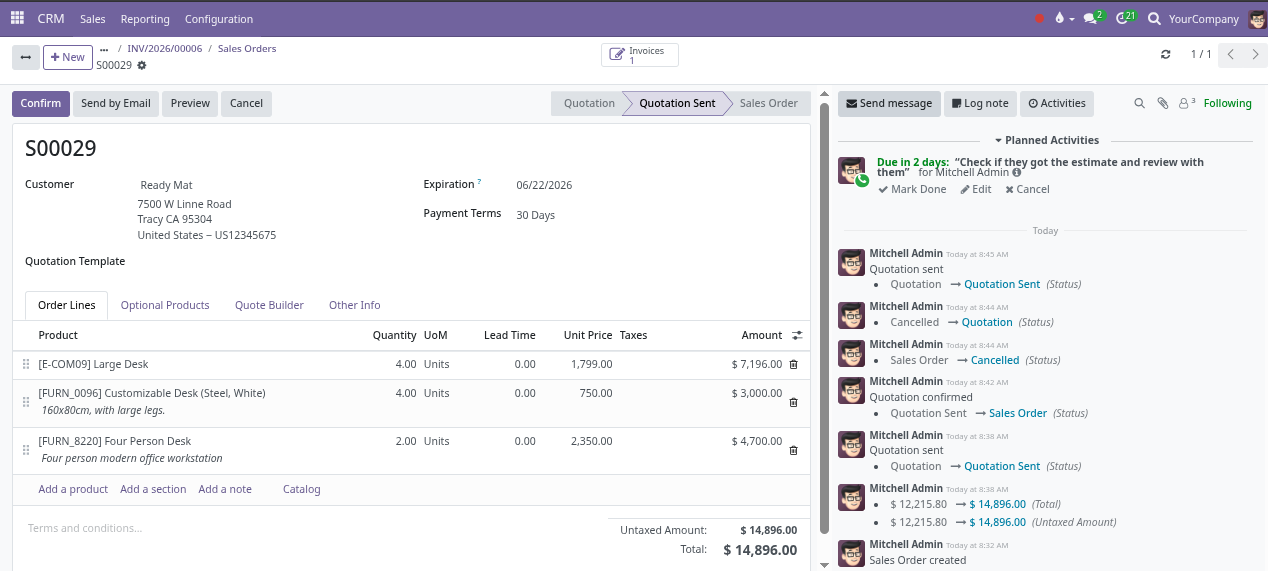
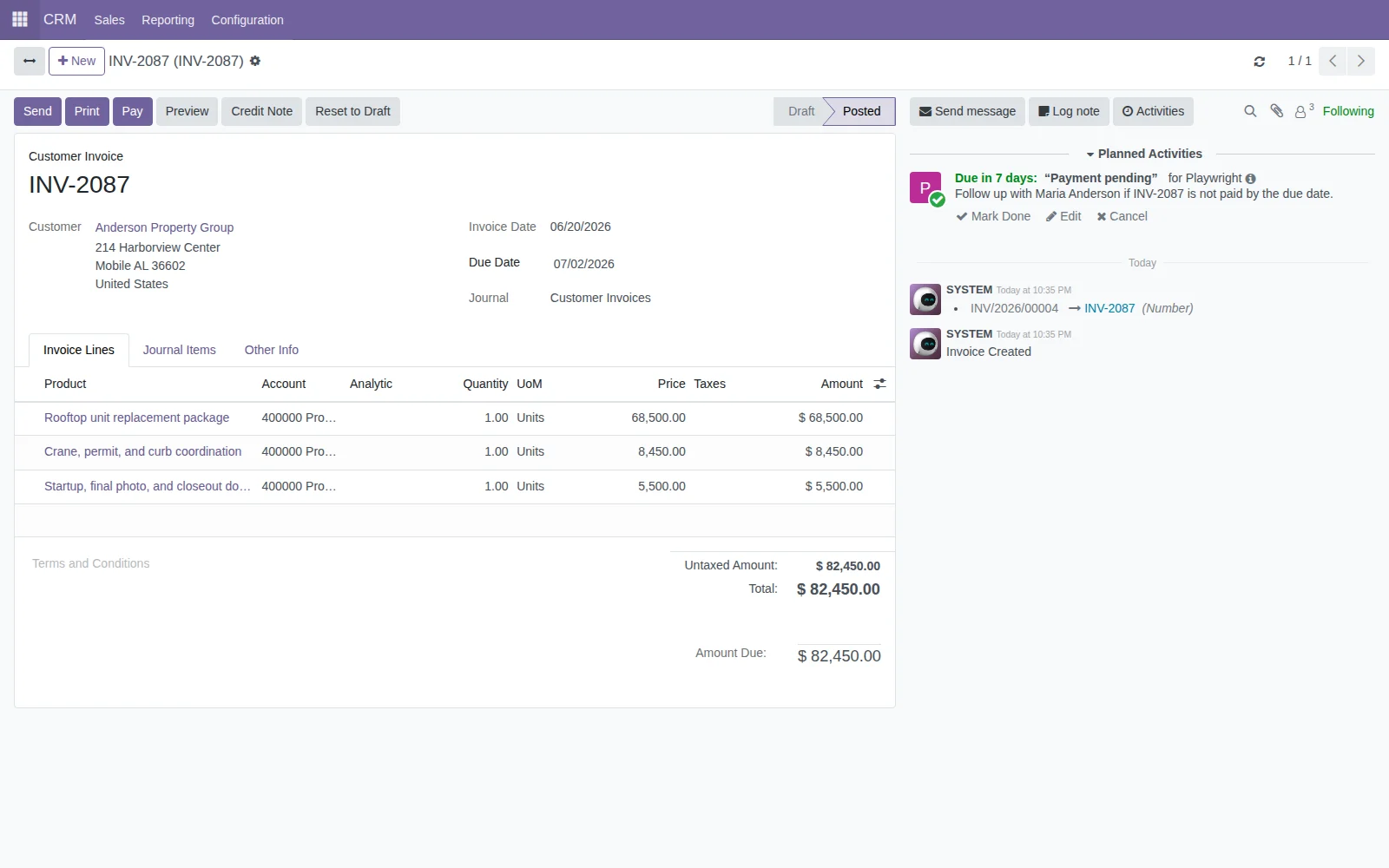
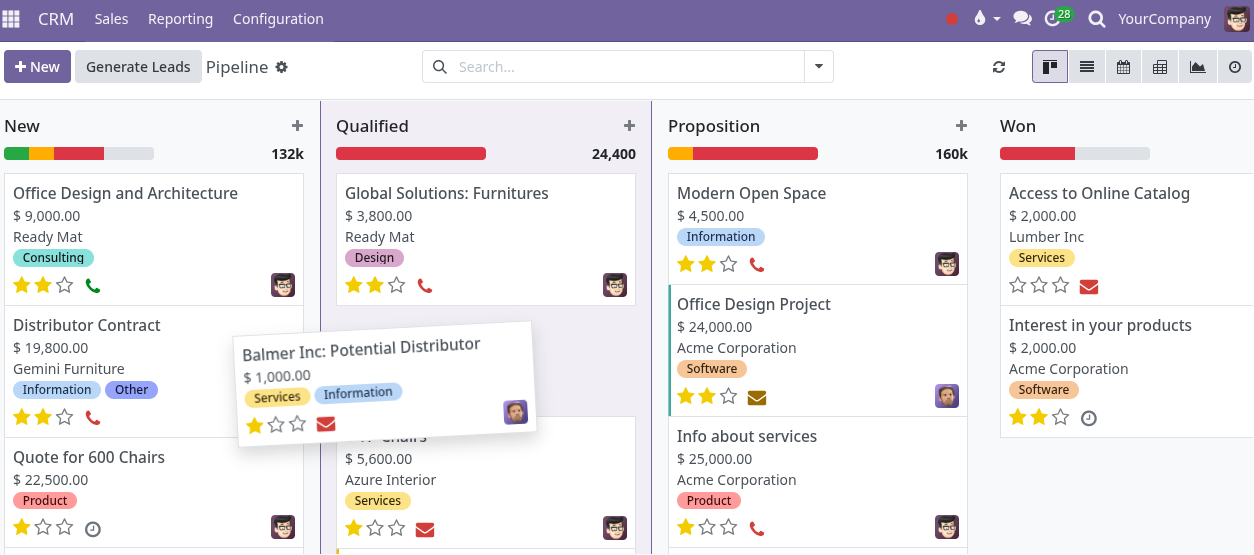
Follow one customer path as the same information moves from lead to estimate, approval, billing, and payment visibility instead of being copied between disconnected tools.
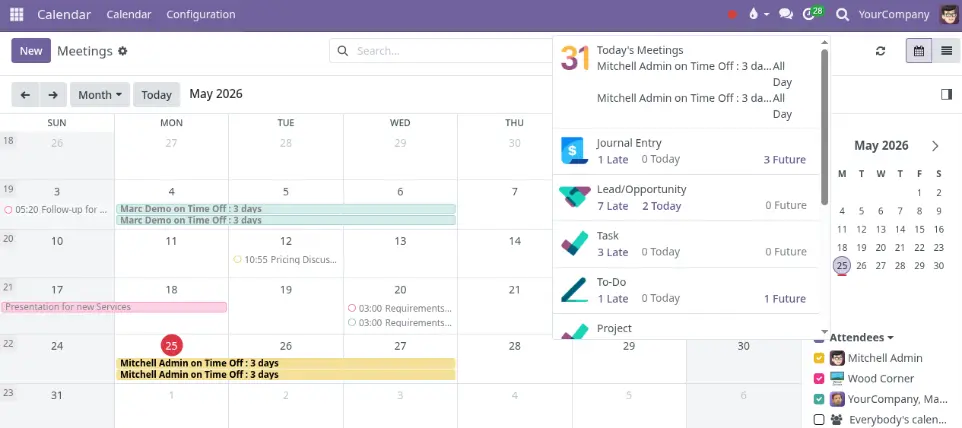
Activities and communication history help the team see who owns the next step, what is due, and what has already been discussed across key records.
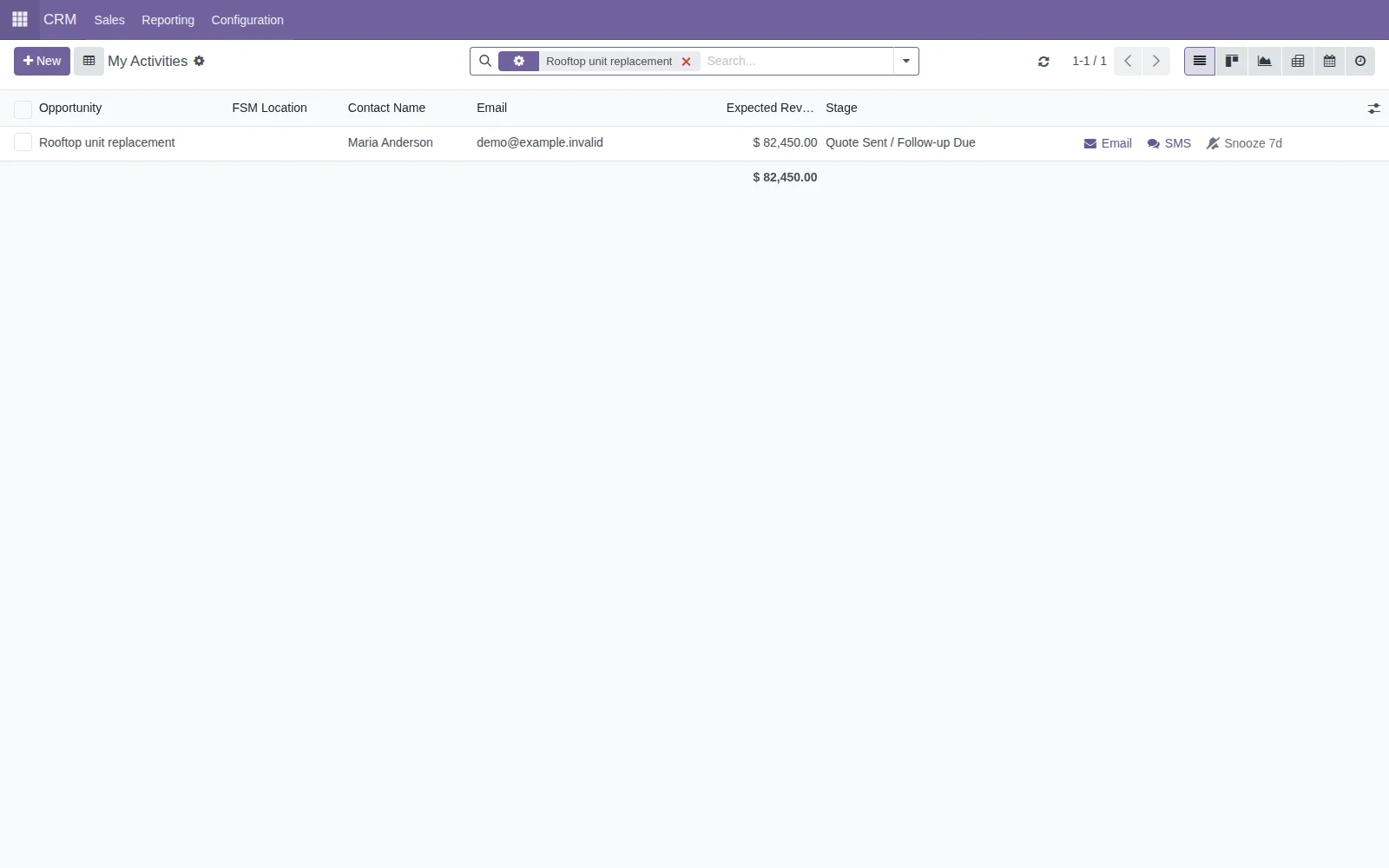
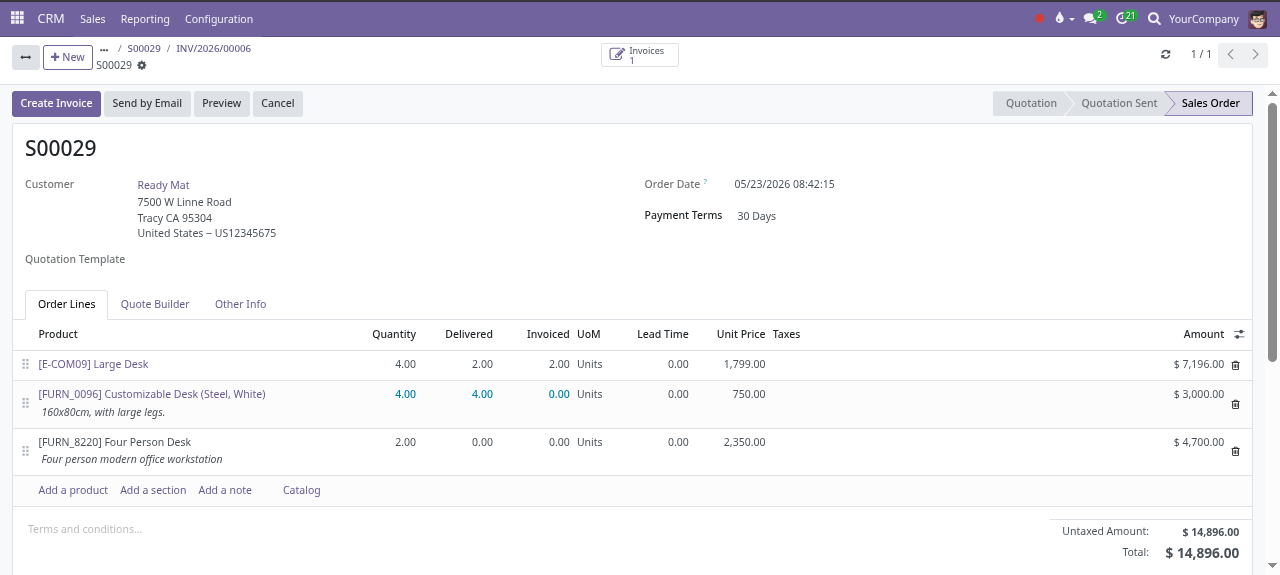
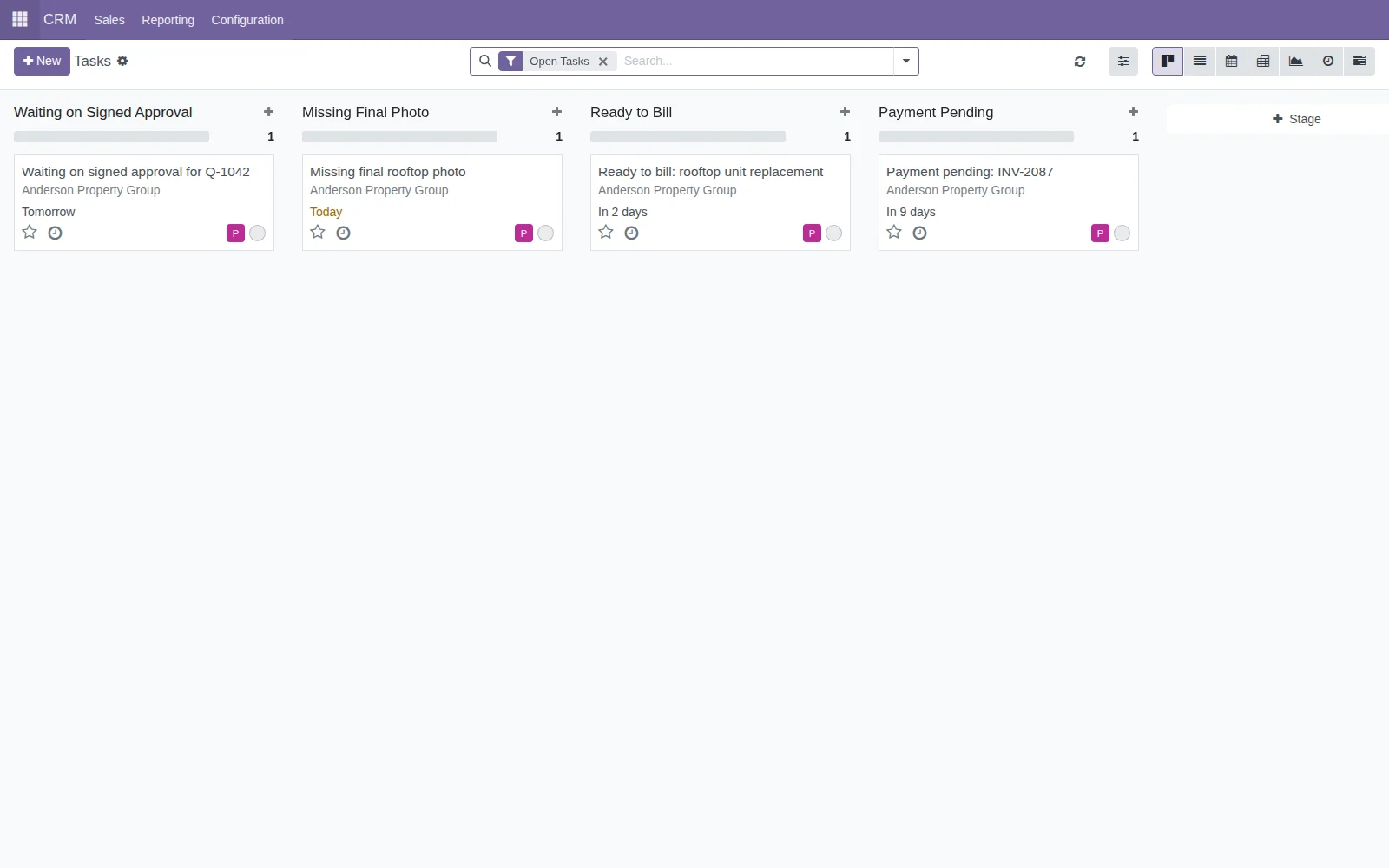
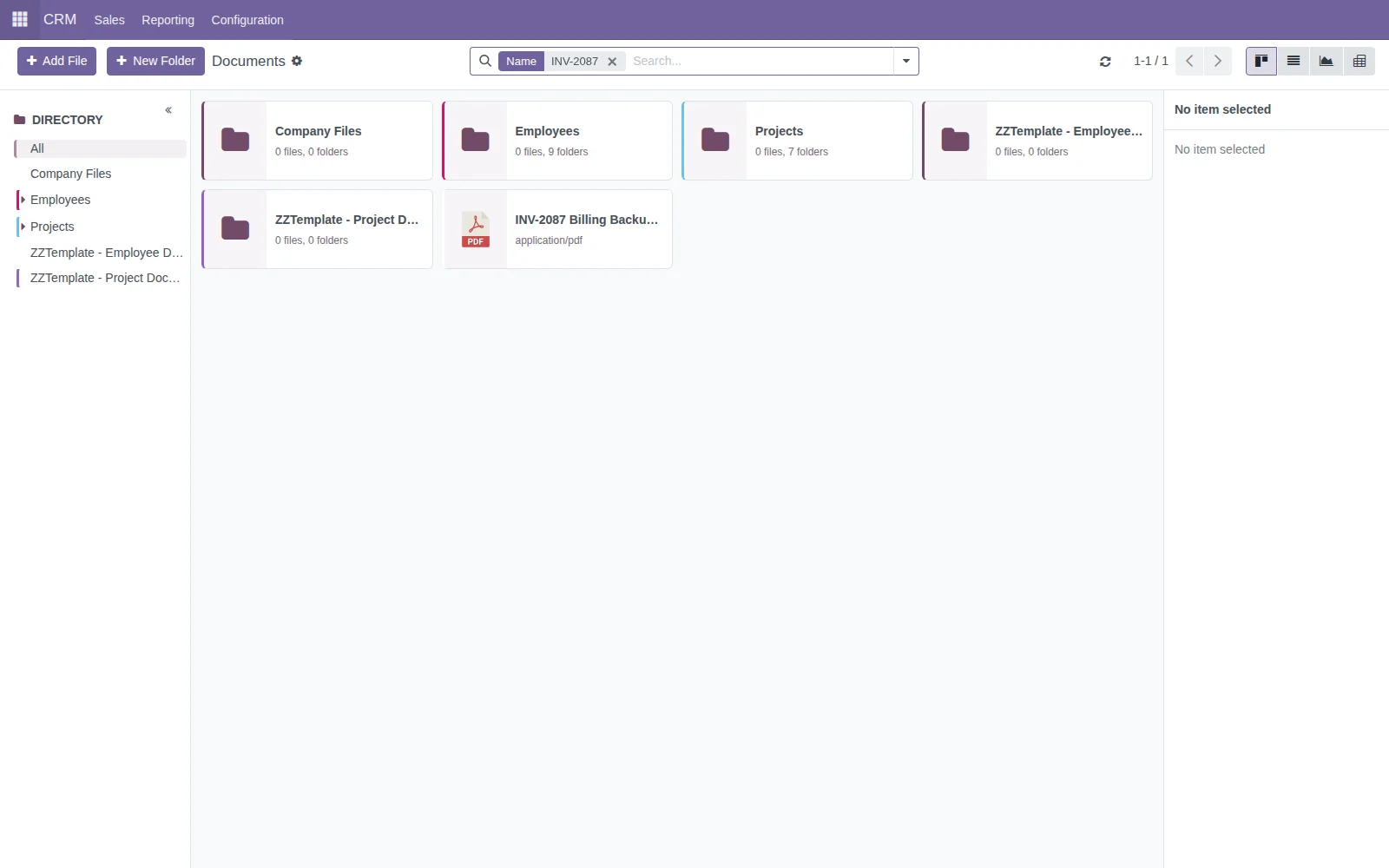
Approved work can move into projects, field tasks, documents, photo requests, billing readiness, and closeout steps without losing the customer story.
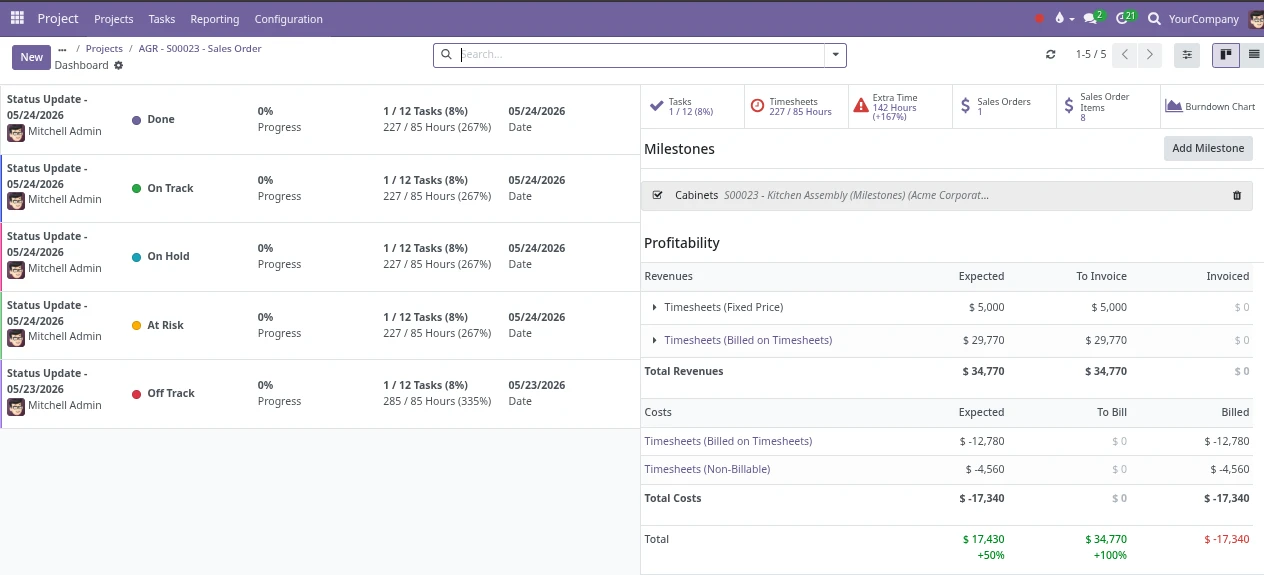
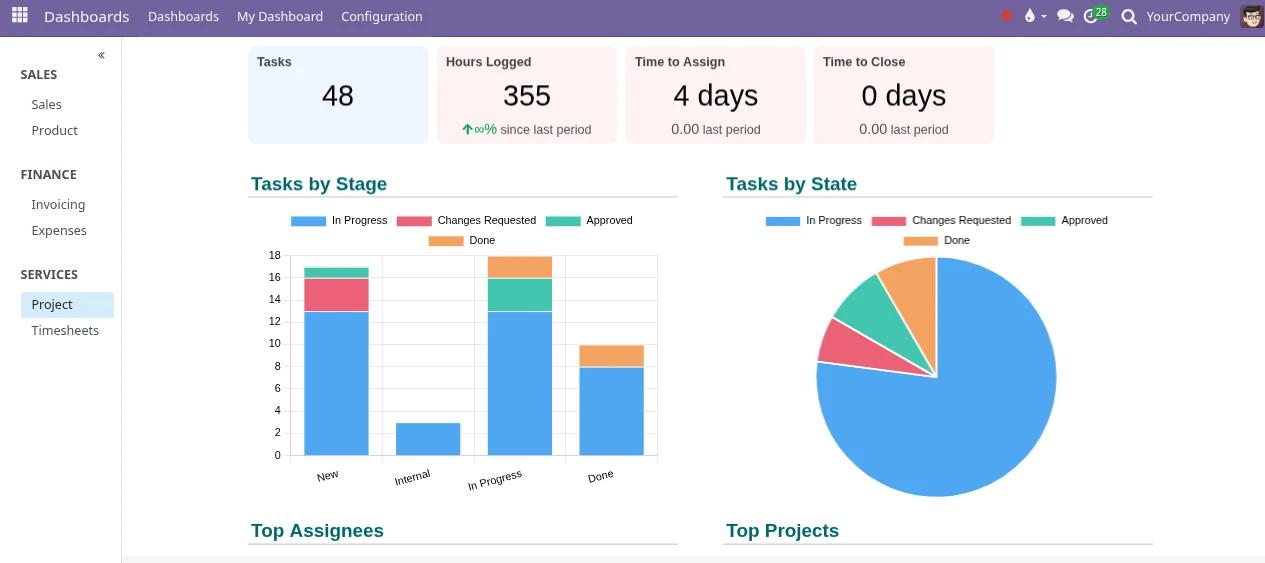
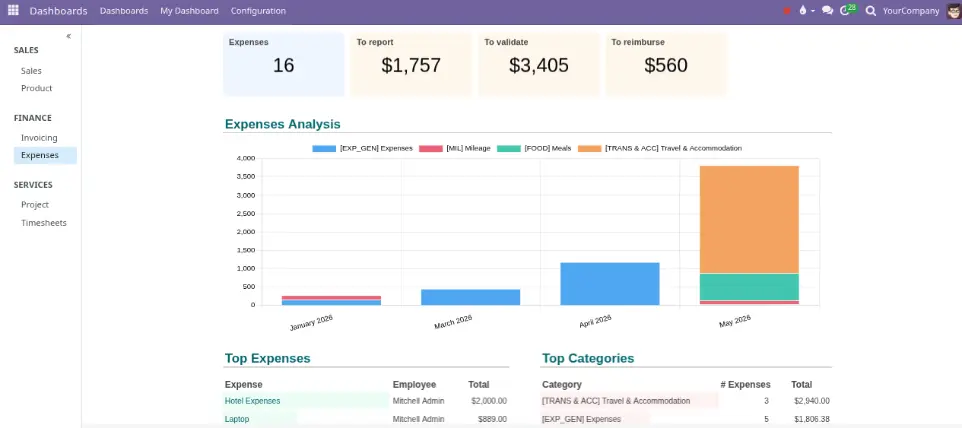
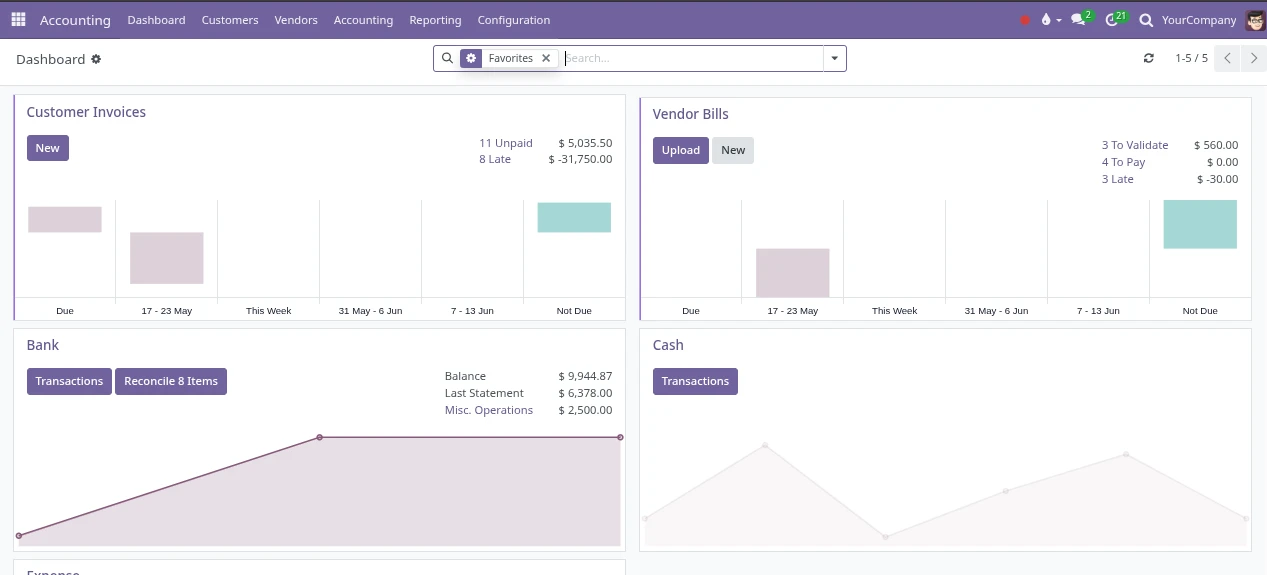
When setup is done properly, invoices, payment status, expenses, accounting views, schedules, and owner dashboards can reflect the work already happening in the system.
See what can be connected, replaced, or built around the system — or learn how the process works from first workflow to ongoing support.
No more digging through countless texts, emails, folders, spreadsheets, apps, and memory.
One clear picture of what happened, what needs attention, and what comes next.
New calls, leads, and customer requests can be assigned, tracked, and followed up without relying on people's memory.
Everyone can see who is assigned to it, what was discussed, and what should happen next.
Estimates, approvals, projects, tasks, documents, and invoices stay connected as the work moves forward.
Seamlessly follow the job from first contact through completion without piecing the story together later.
Job status, upcoming tasks, missing information, customer history, and open activities are easier to review.
Instead of interrupting everyone for updates, the system becomes the place to check first.
Each customer, estimate, job, project, and invoice has its own place for calls, emails, internal notes, reminders, and activity history.
This keeps communication tied to the record it belongs to. No more confusion about what is being discussed.
Purchases, expenses, vendor bills, partial invoices, and job history stay connected.
This gives the office a clearer path from approved work to billing, costs, and reporting.
Employees, expenses, accounting, reporting, dashboards, documents, and management visibility stay connected in the same system.
The result is less jumping between disconnected tools and more clarity across the whole company.
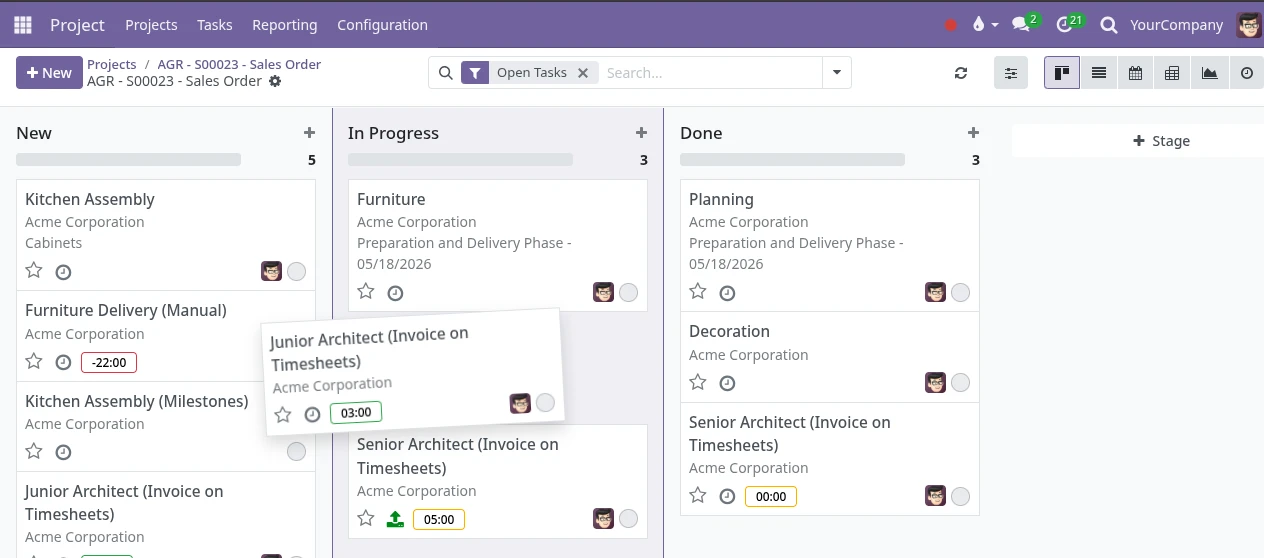
Imagine opening one system and seeing the story clearly: customer communication, job status, documents, costs, billing, and reporting are all connected.
A short workflow review can walk through one real process and show where the system could be customized around the way the business operates.
Start First Workflow